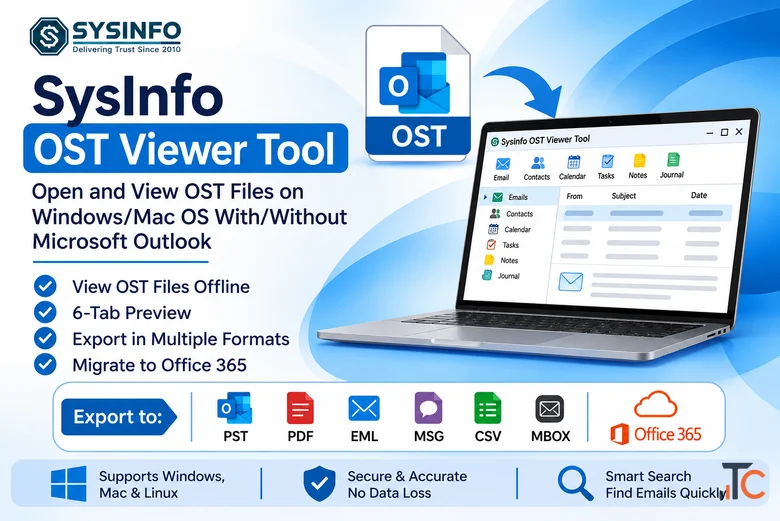
SysInfo OST Viewer Tool
4,620 ₹
Location
Noida, Uttar Pradesh — India
Published
2026-11-13 15:32:36
Contact
SysInfoTools
Phone Number
8130504313
Description
SysInfo OST Viewer Tool lets users open, read, and preview Outlook OST files without Microsoft Outlook, an Exchange connection, or an active Microsoft 365 account. It is designed to access healthy, password-protected, oversized, orphaned, and minorly corrupted OST files, including files disconnected from their original Exchange profile. The software also supports PST files and allows users to load single or multiple OST and PST files in ANSI and UNICODE formats.
Preview mailbox data through six tabs: Body, Attachments, Notes, Header, MIME, and Raw HTML. Review emails, attachments, contacts, calendars, notes, tasks, and the original folder structure. Search messages using From, To, Subject, date range, and attachment filters. The preview pane displays up to 20,000 email messages at once.
Export OST data to PST, EML, MSG, PDF, MBOX, or CSV, or migrate it to Office 365. Apply date-range filters, text filters, and duplicate removal before exporting. Choose how attachments are handled: keep them, save them as pages, extract them separately, or exclude them. The Skip and Resume Export feature can continue an interrupted export, while activity logs record file loading, scan results, and export operations. Read-only operations are available with Admin, Technician, or Enterprise licenses.
The software supports OST files from Outlook and Exchange versions and provides Windows and Mac support. The listed system requirements include Windows 11, 10, 8.1, 8, 7, and specified Windows Server versions, along with supported macOS releases. Available editions include Single, Admin, Technician, and Enterprise. Version 26.06 is listed at 204 MB, with a release date of June 15, 2026.
The demo version allows users to preview and export up to 100 emails per folder. Users can load OST files, expand mailbox folders, inspect email content, select an output format and filters, choose a destination, and save the exported data locally. Users can select a preferred language for the interface.